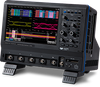
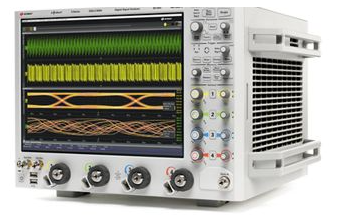
Cause of Failure: Poor contact or damage of the power cable; failure of the internal power module (e.g., bulging capacitors, blown fuse); loose power supply interface on the main board or main board damage.
Maintenance Method: Check if both ends of the power cable are firmly connected and test with a spare power cable; open the device housing, check if the fuse of the power module is blown, measure the output voltage of the power module with a multimeter, and replace the power module if abnormal; if the power module is normal, check if the power supply interface on the main board is loose, reinsert and fasten it, and if the fault persists, inspect the components of the main board and replace the main board if necessary.
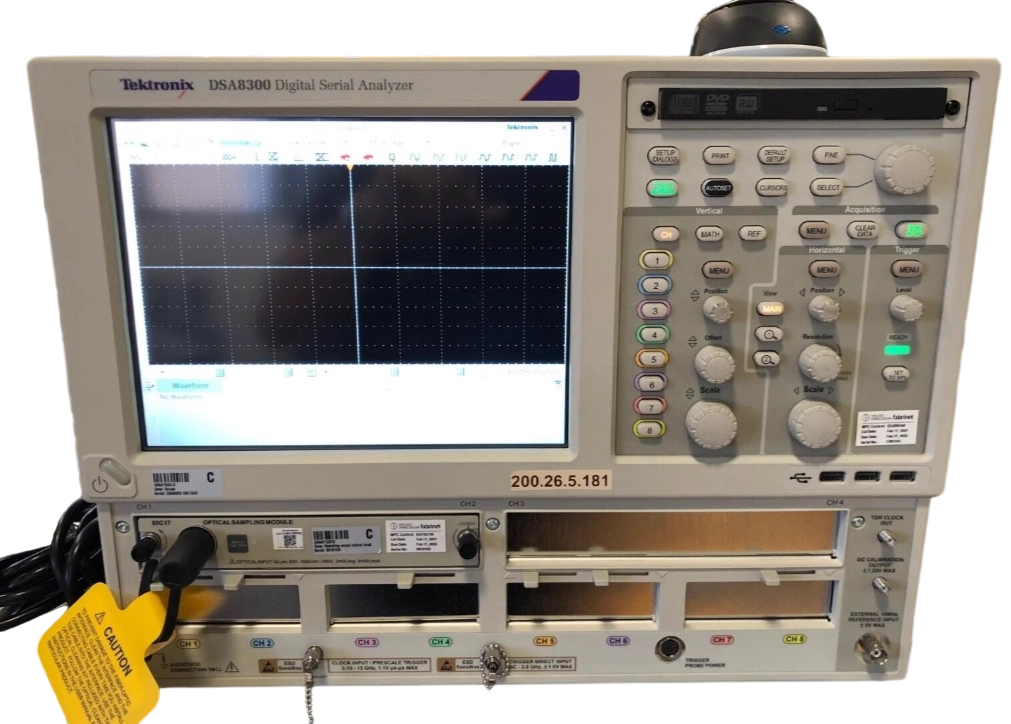
Cause of Failure: Loose connection or poor contact between the optical sampling module (80C17) and the main unit (DSA8300); damage to internal optical components of the optical sampling module (e.g., contaminated lenses, faulty photodiodes); failure of the main unit's sampling circuit (e.g., damaged sampling chip, abnormal signal amplification circuit); incorrect sampling parameter settings (e.g., improper sampling rate, trigger threshold settings).
Maintenance Method: Disconnect the optical sampling module from the main unit, clean the interface and reconnect it firmly; inspect the interior of the optical sampling module, clean contaminated optical components, and replace the module if the photodiode is faulty; use an oscilloscope to detect the output signal of the main unit's sampling circuit, and replace the corresponding components if the sampling chip or amplification circuit is abnormal; verify and adjust the sampling parameters to a reasonable range, and perform sampling tests again.
Cause of Failure: Loose connection or poor contact of the screen cable; damage to the display itself (e.g., cracked LCD screen, faulty backlight panel); failure of the main unit's display driver circuit (e.g., damaged driver chip, unstable power supply voltage).
Maintenance Method: Turn off the device power, open the housing, check the connection of the screen cable, reinsert and fasten it; if the cable is normal, test with a spare display to confirm if the display is damaged, and replace the display if so; measure the power supply voltage of the display driver circuit, check the working status of the driver chip, and replace the driver chip or repair the power supply circuit if abnormal.